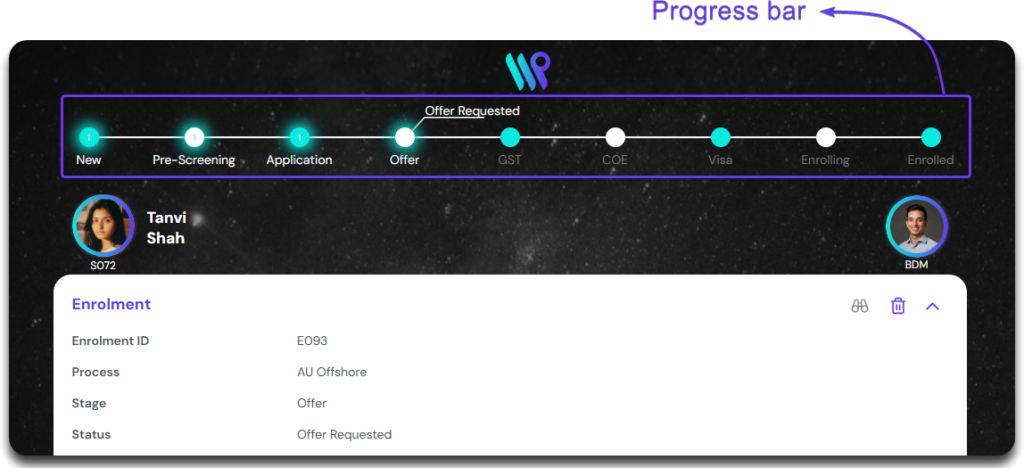
Track the primary application through this progress bar from the enrolment record
The Progress Bar
The progress bar denotes the Stage and Status of the any record that has a process. This has to be enabled and set from the admin console. However, this totally depends on how your company has setup this system. The progress bar is not a mandatory component you have to use. If you company has set up a system for the student record, it will give you a detailed information of the where the student is in the process.
Also, the process in the demonstration here is the default process setup on the system and might defer to one your company has set up. There could be multiple processes set up considering different situations. An assignment rule is set based on the condition so that when the lead is created, right process is automatically selected.
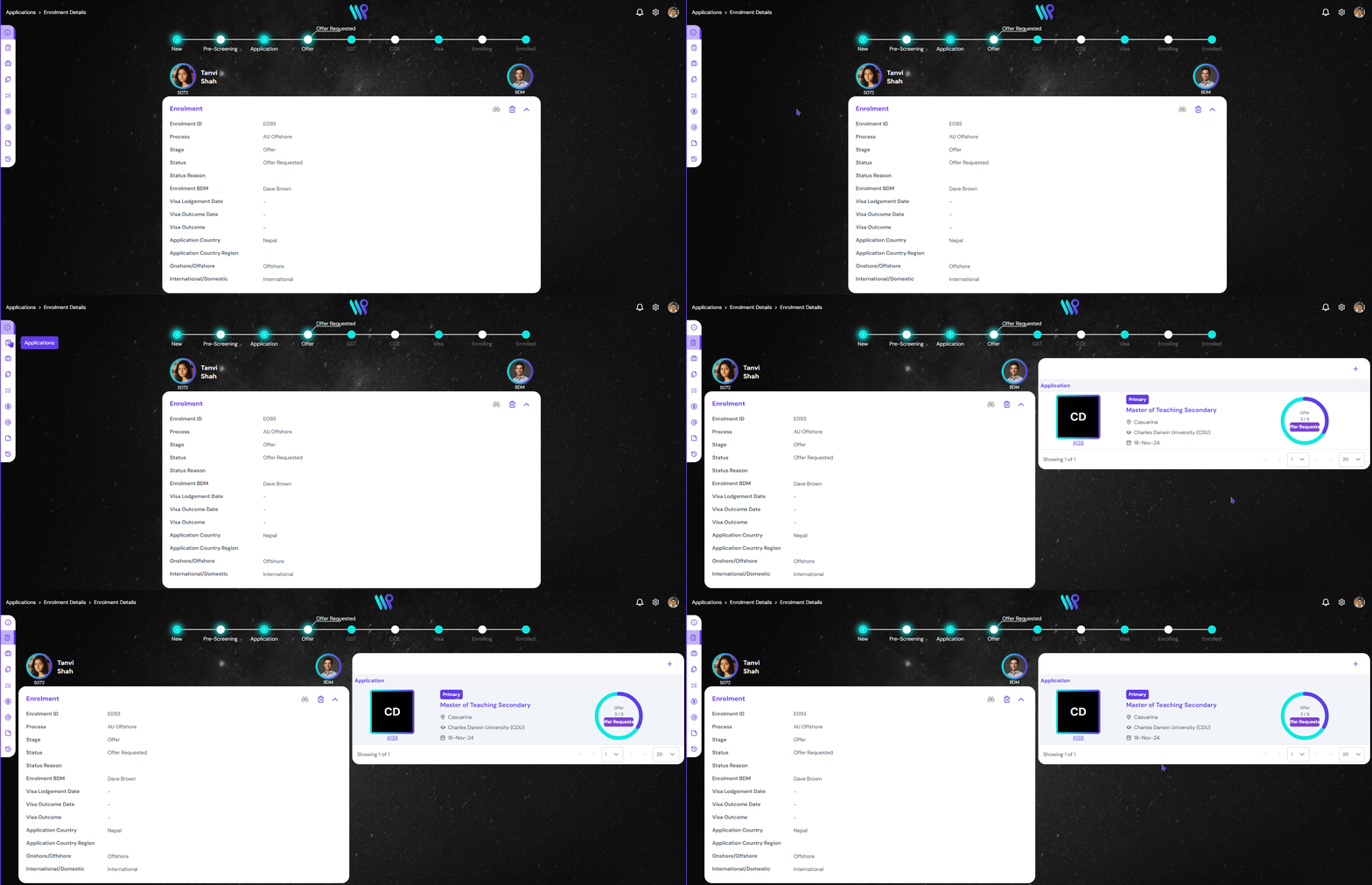
The below illustration is considering that your organization has set up the process for application record. The progress bar on the enrolment record is nothing but a copy of the progress bar from the primary application.
The progress bar can be seen at the top of the enrolment record.
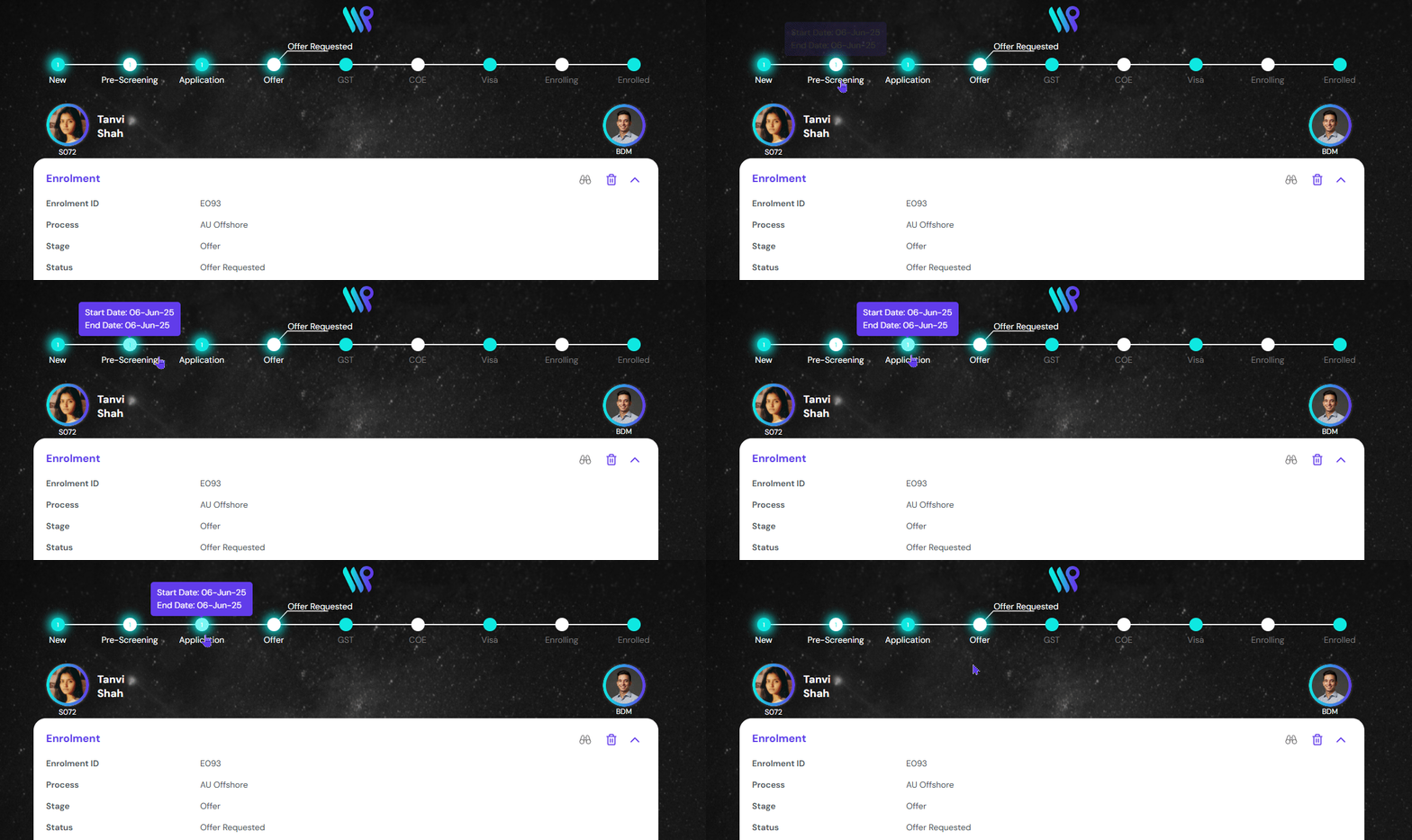
View Progress Bar Details
Hover over the dots to see the stage start and stage end date.
To change the stage or status of the enrolment, go to the primary application. Then change the stage and status. See Application Process Management.