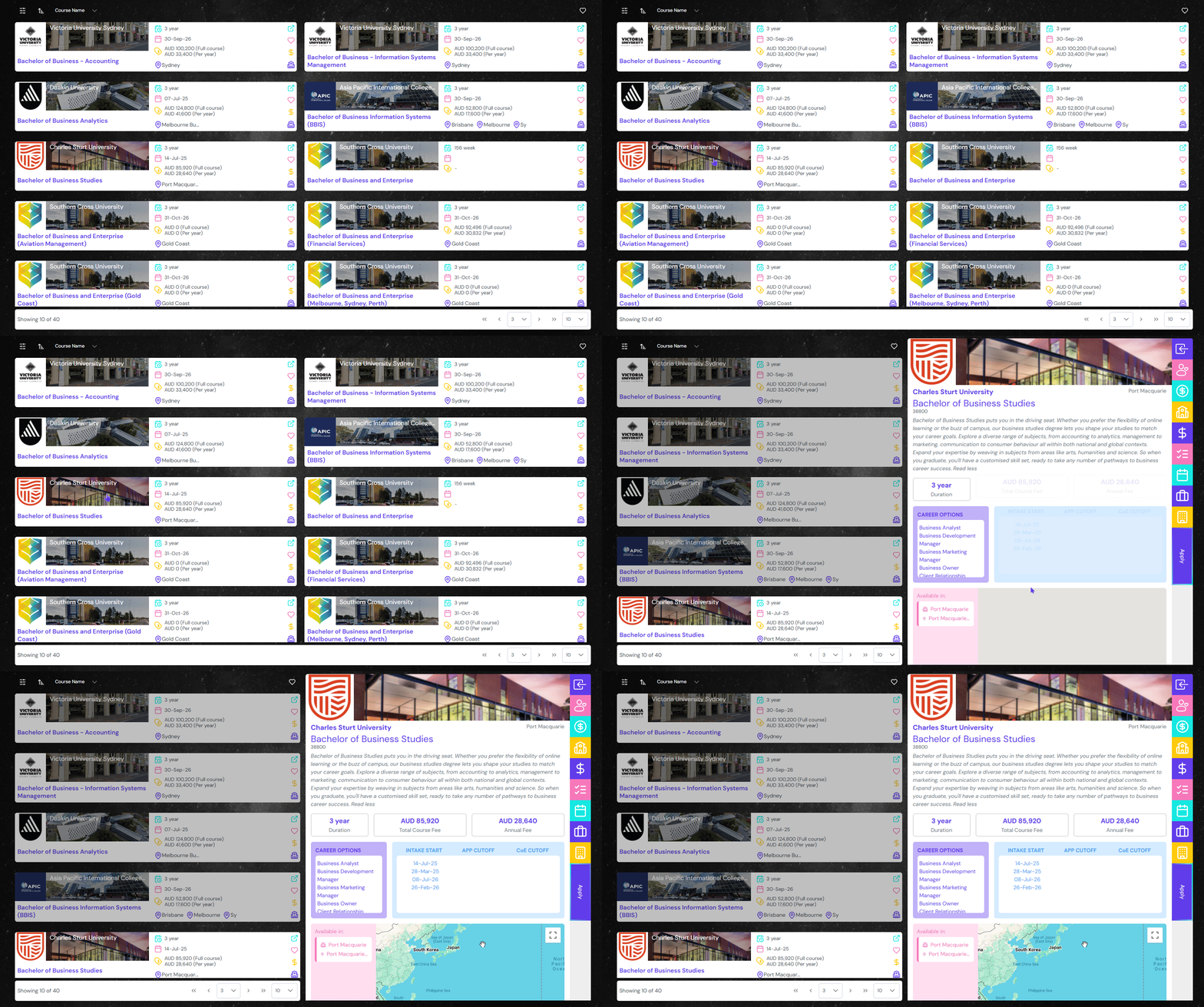
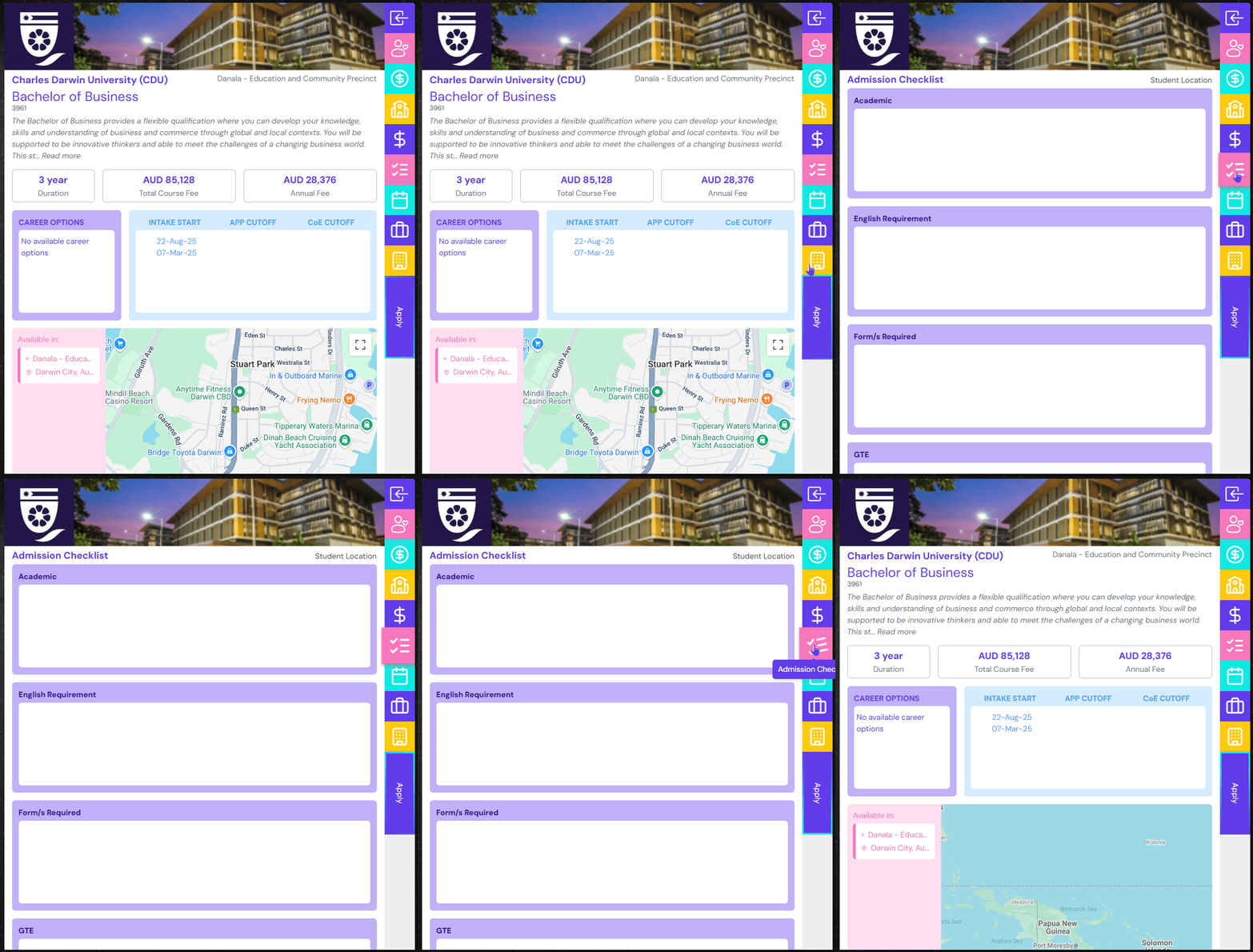
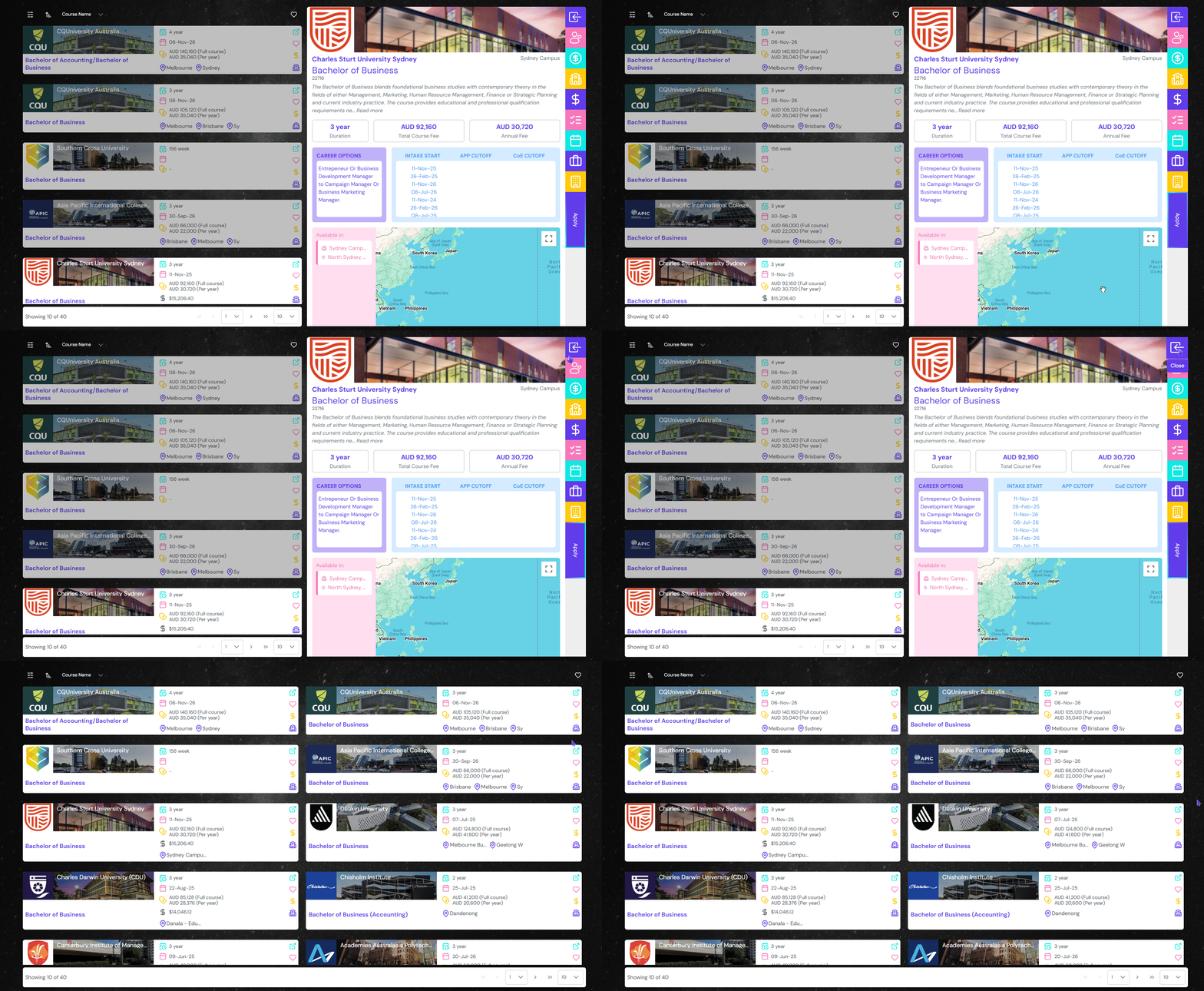
Get most of the information about the course including duration, total and annual cost, career options, intakes and cutoff dates and campus information along with admissions checklist.
Course Details Pane
Click on the logo or name of the institution or course name to open the details pane.
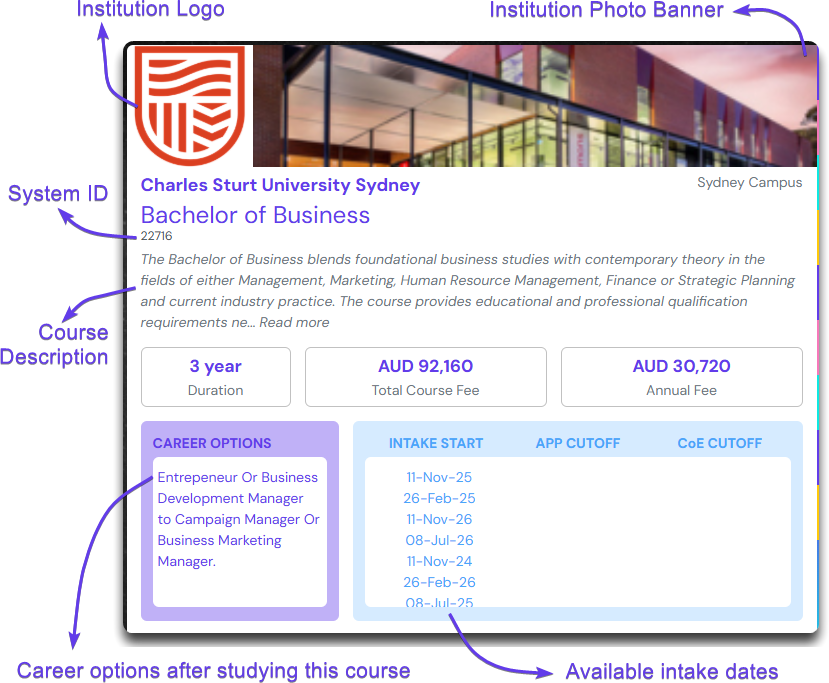
Course Description
The course details pane given various course and campus description in an easy to read format.
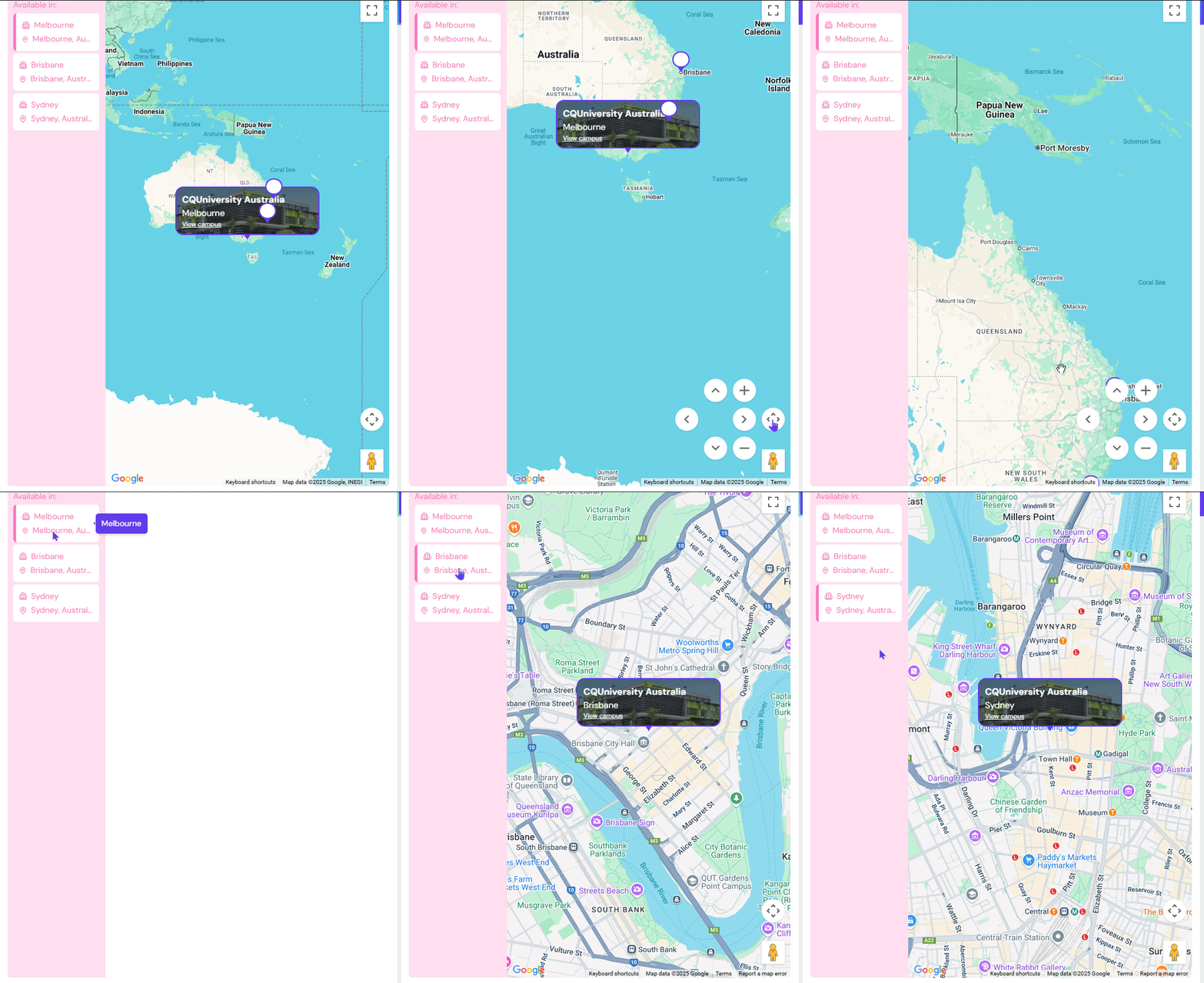
At the bottom you can see campus location in the map view. The left of the map lists the campus location which you can click to zoom in to see the exact location on the map. Use the mouse scroll button or map camera control icon to navigation the map.
Course Attribution Buttons
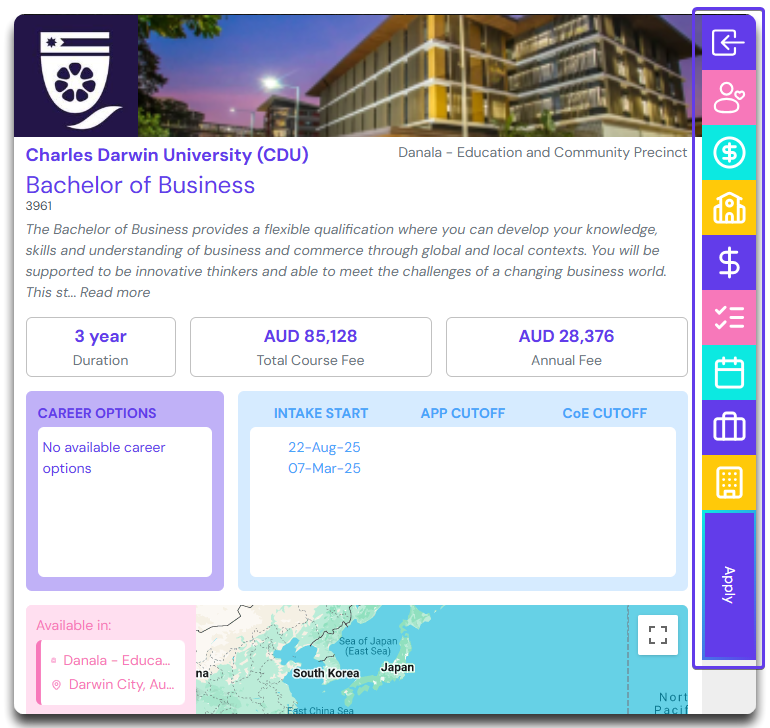
On the right of the course details pane, there are couple of buttons which perform various actions. We will be looking at them one by one below.
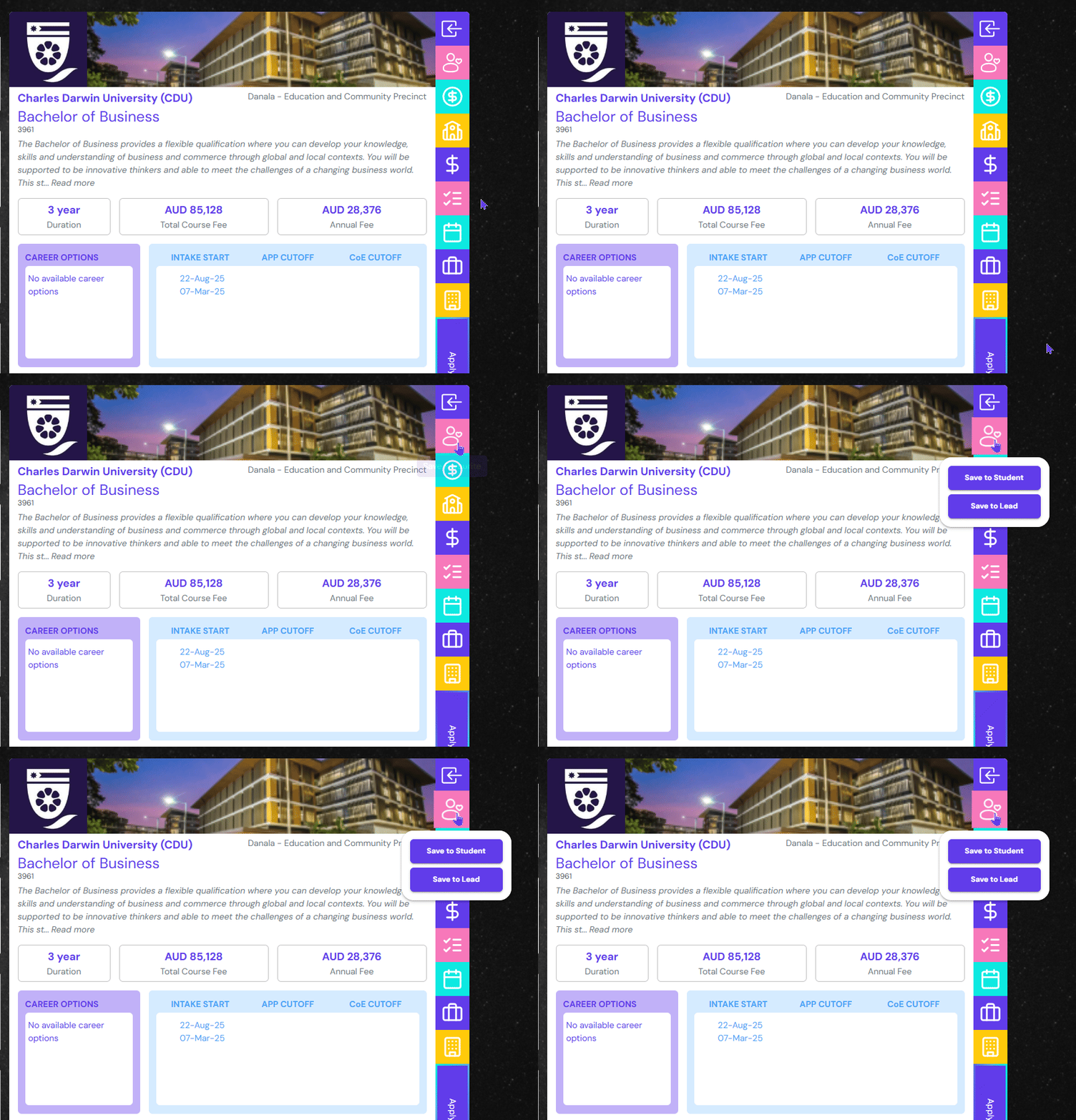
Save to Favourite
Click this button to save this course to either Save to Lead or Save to student.
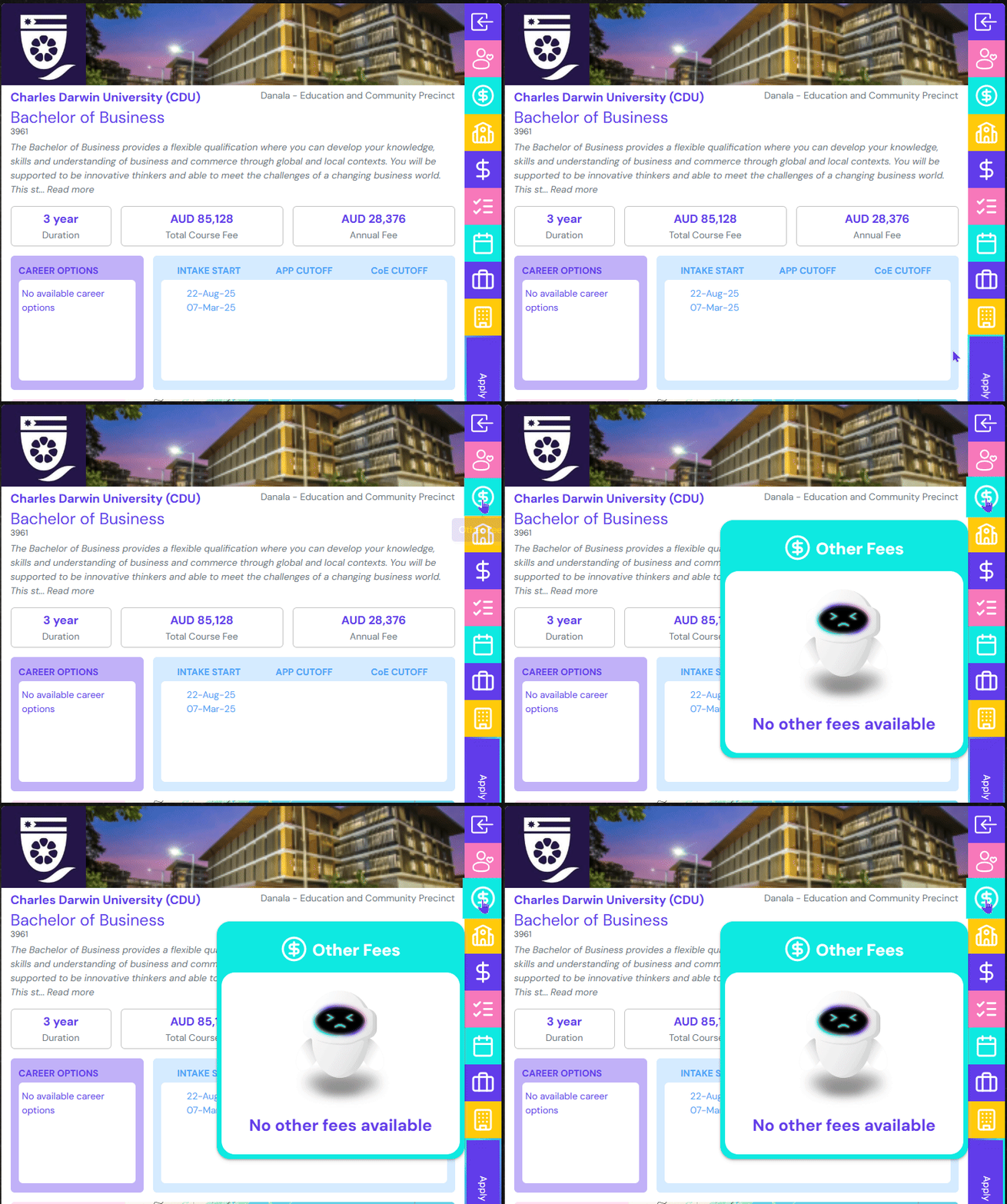
Other Fees
Click this button to see if there are any other types of fees incurred during the application process. A good example is Application Fees, Library Fees etc.
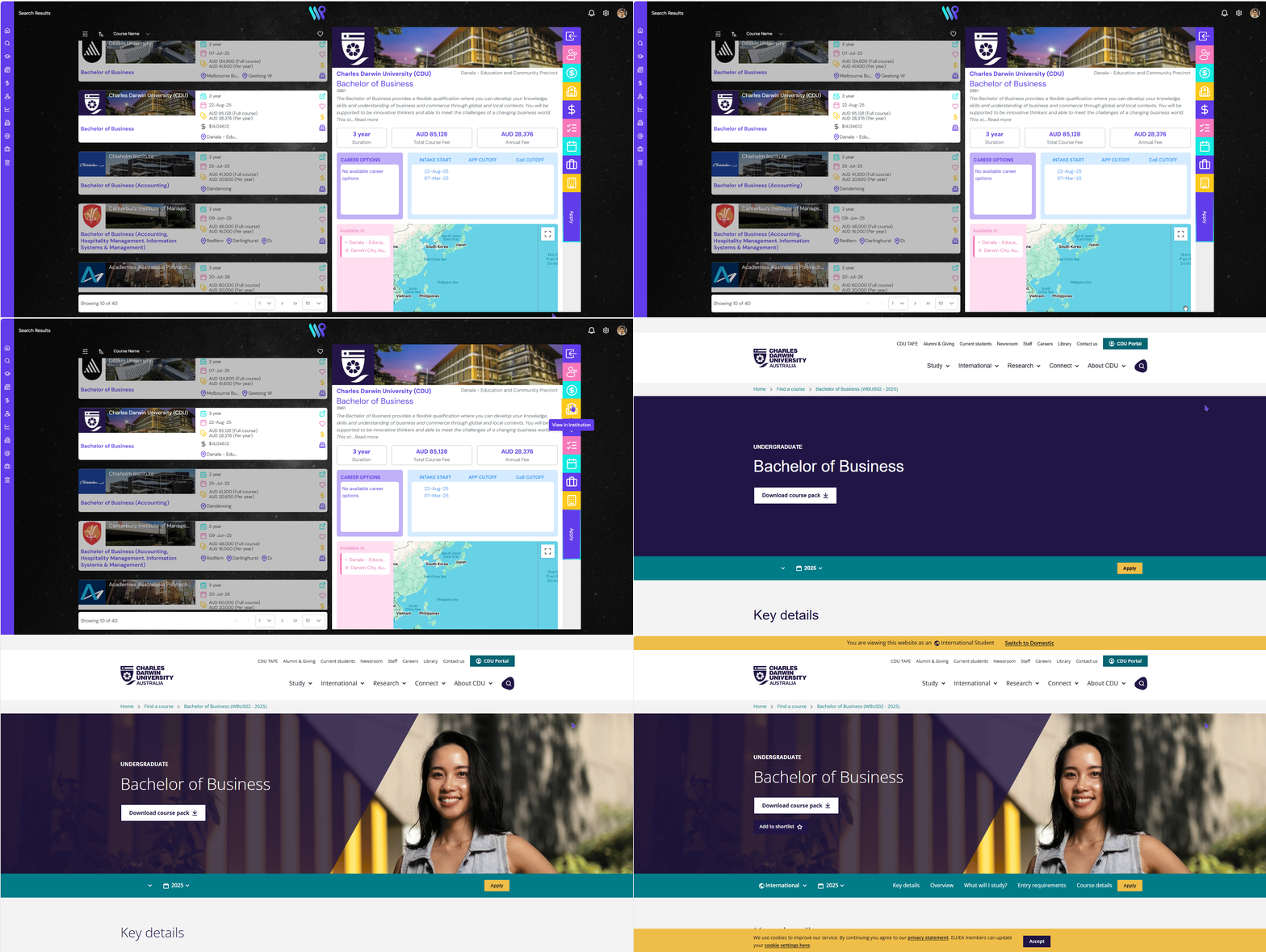
View in Institution
View this course in the institution’s website by clicking on this button.
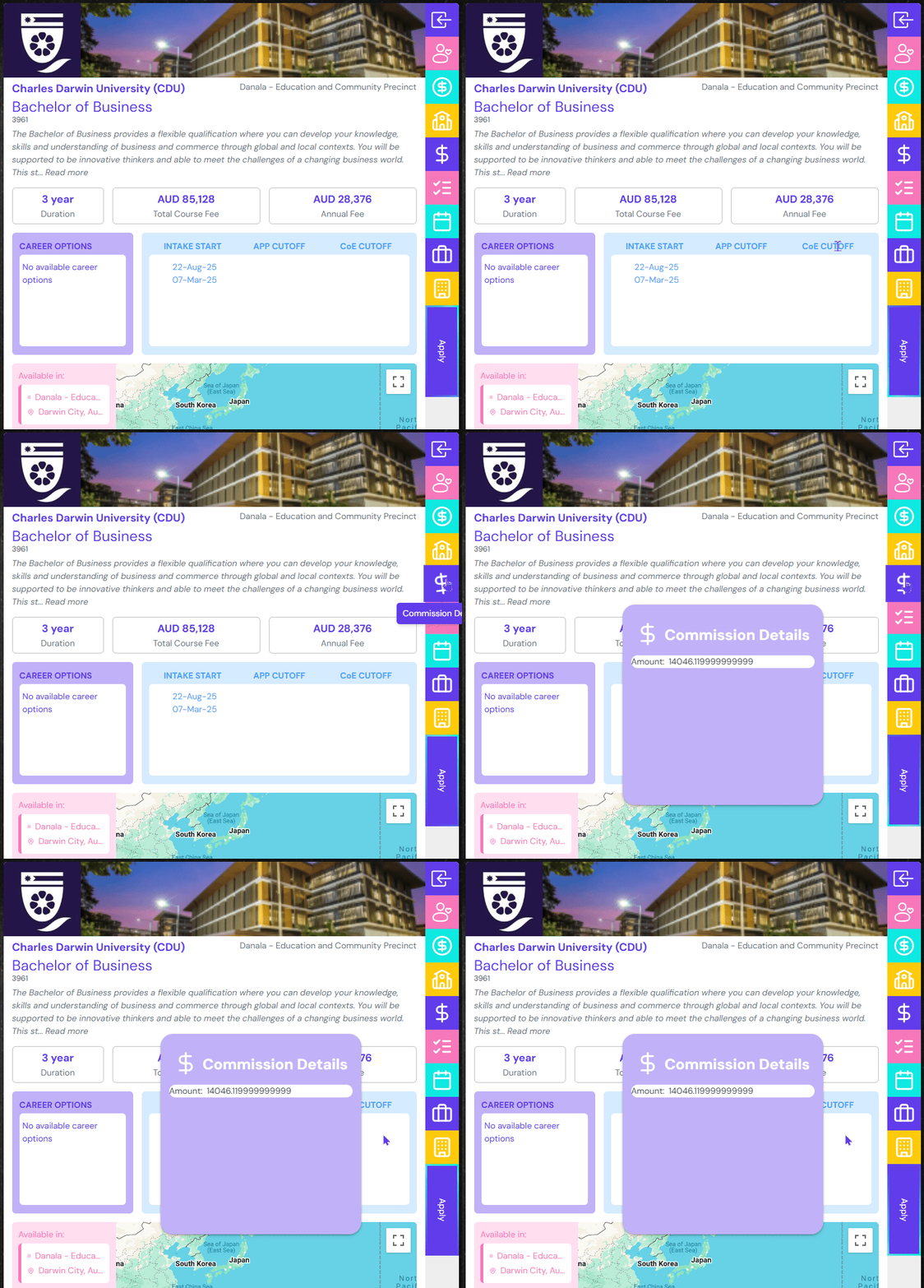
Commission Details
Depending on the agency contract agreement, see the amount of commission you will receive upon successful placement of the student by clicking this button
Admission Checklist
Here you will be able to get detailed information about the admission and genuine student criteria. Check the requirements, get links to the forms, and additional criteria on getting into this course at this institution.
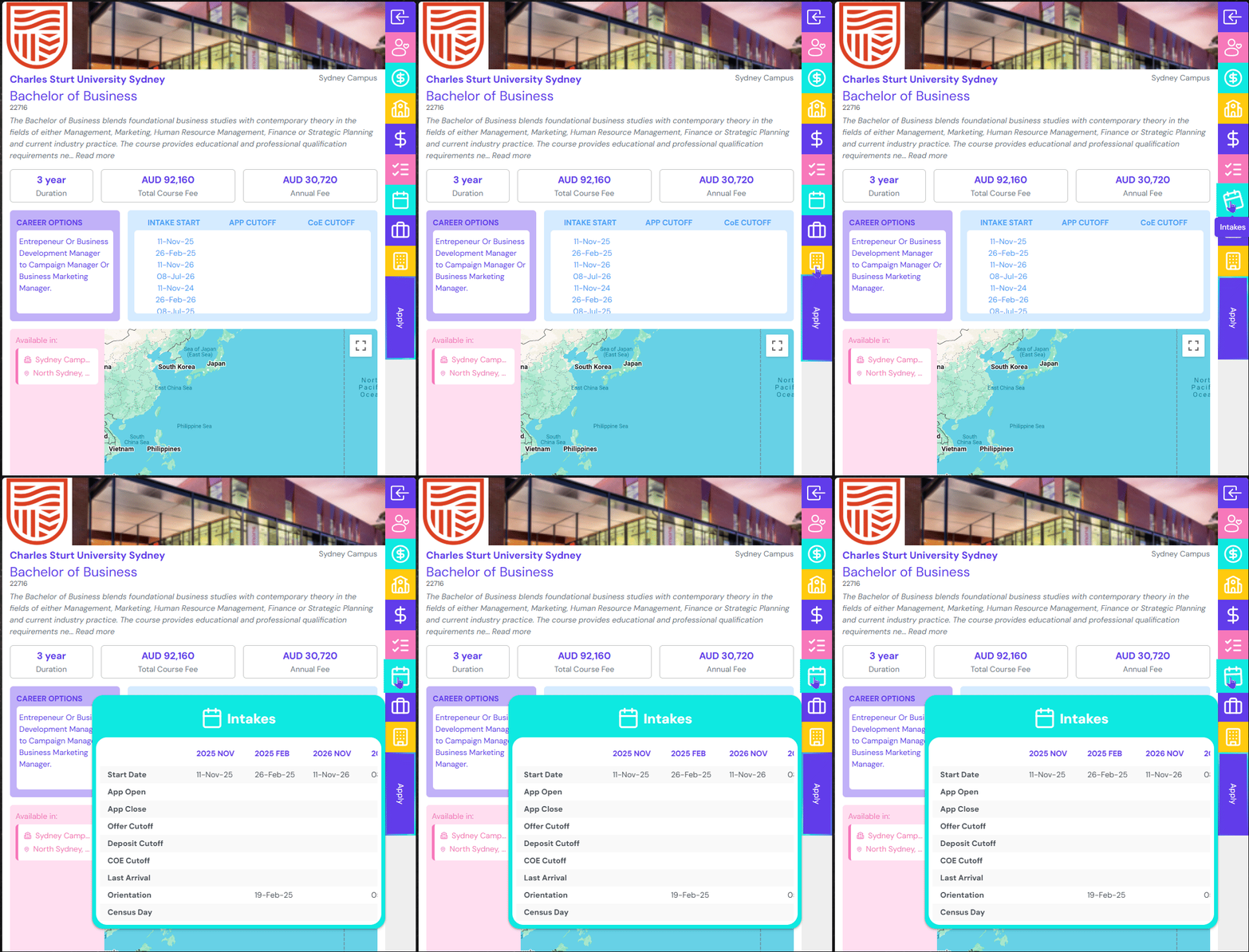
Intakes
See all the dates associates with this course like Intake dates, Cutoff Dates, Late Arrival Dates, Orientation Date and Census Date
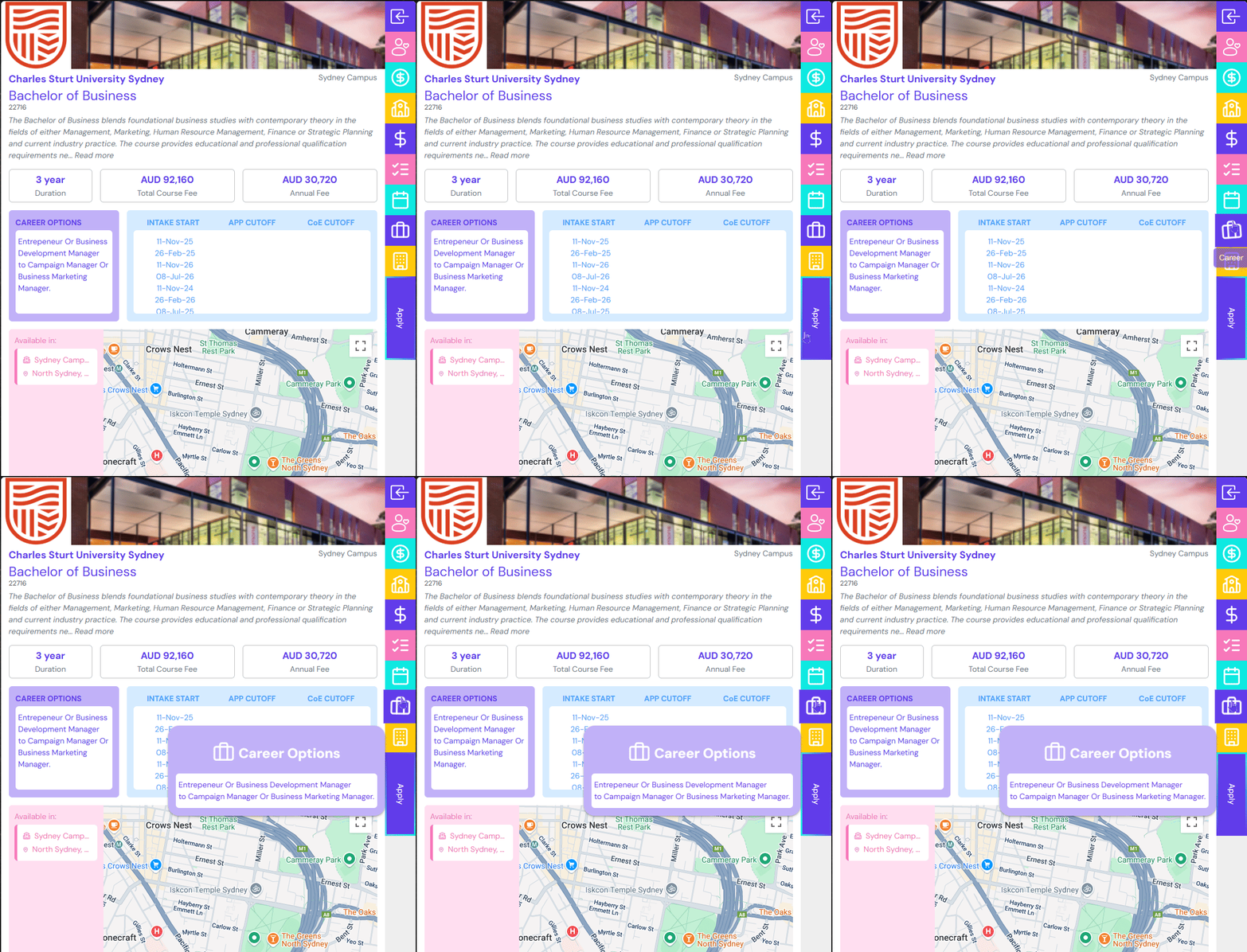
Career
Get to know all the career options a student can take after studying this course.
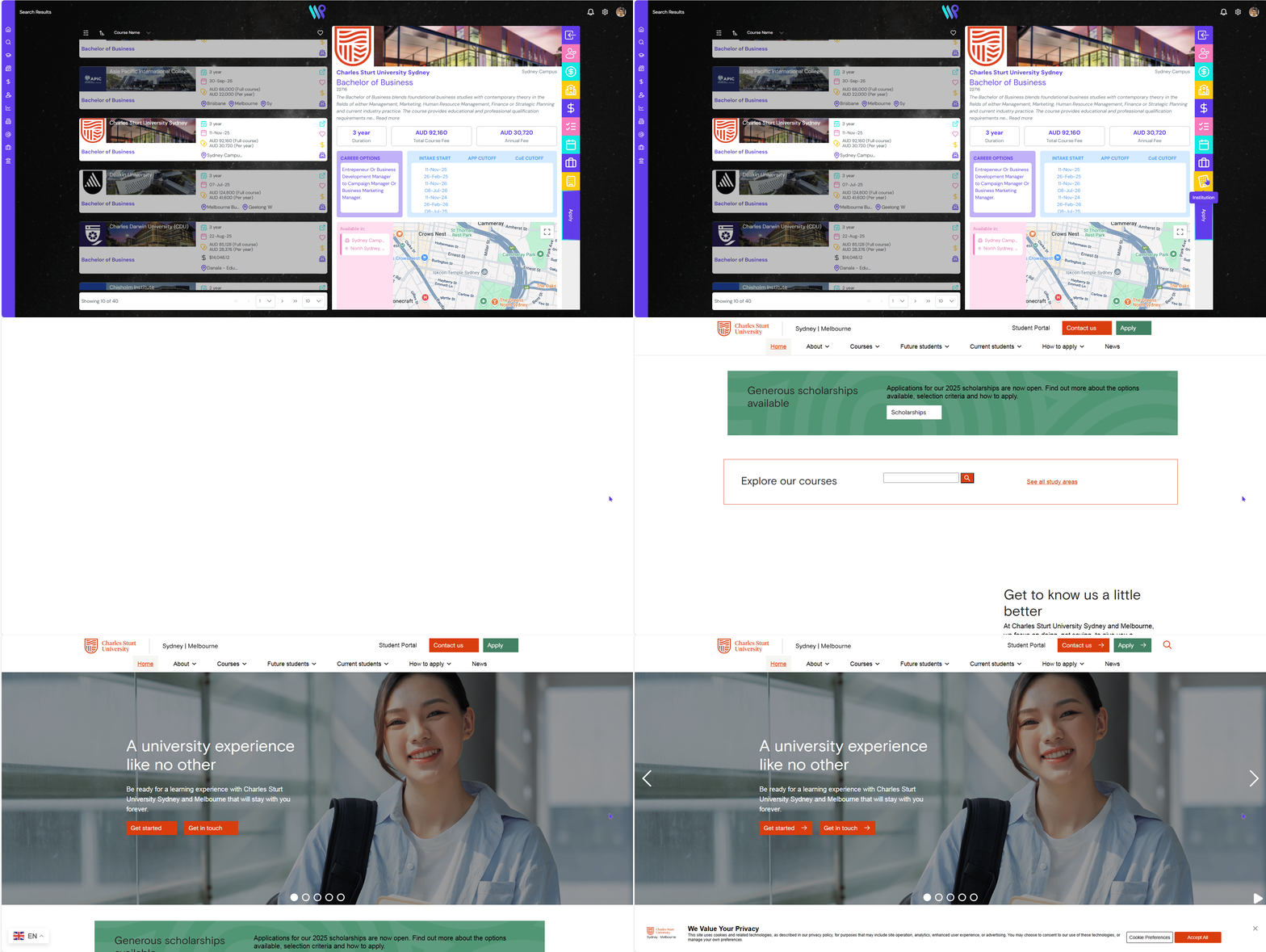
Institution
View the institution’s website by clicking on this button.
Close Detailed Pane
Click on the top button to close the detailed pane and got to the card view.