In this section, we will learn how to Sign In, Sign out and use the Forgot Password feature.
Sign In
All users associated with a company must have a login to enter the application site. The company you are associated with will create a login for you. You only need a password which will be coming to your email when a login is created. Follow these steps to sign in once your login details are with you.
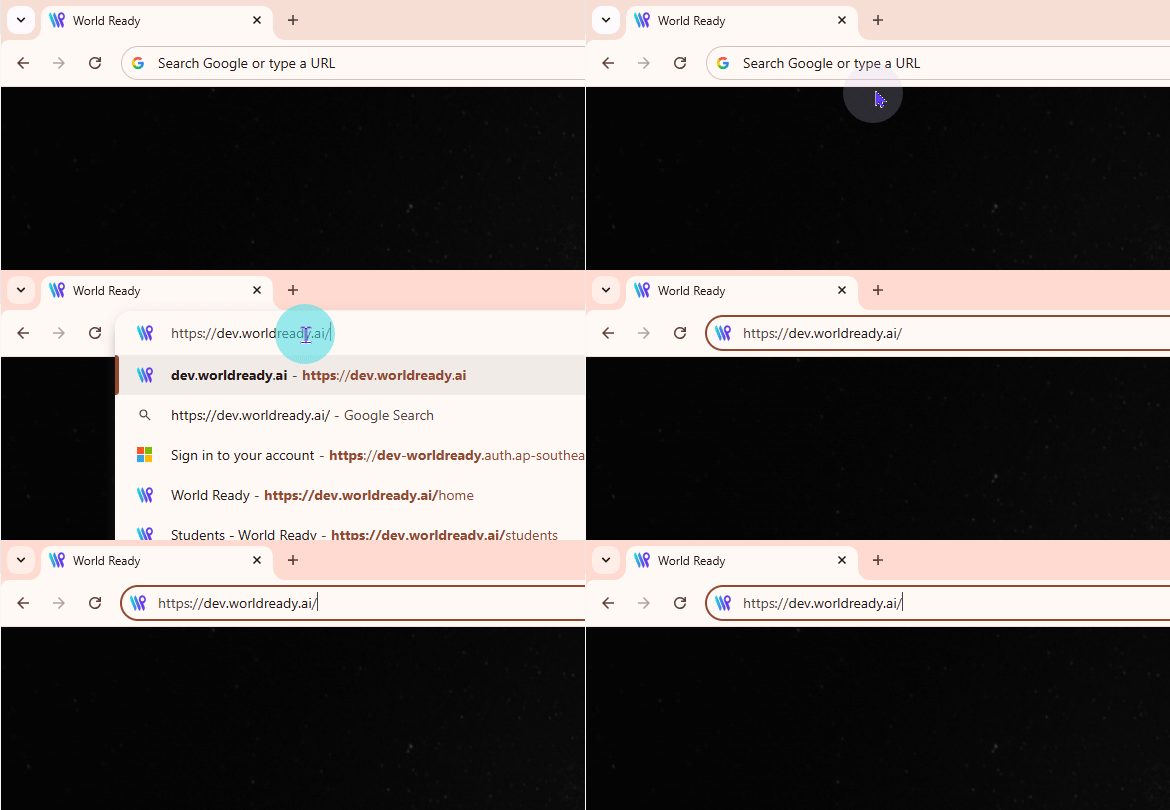
Go to the URL that was mentioned in the email that supplied your password. It will look something like: yourbusinessname.worldready.ai
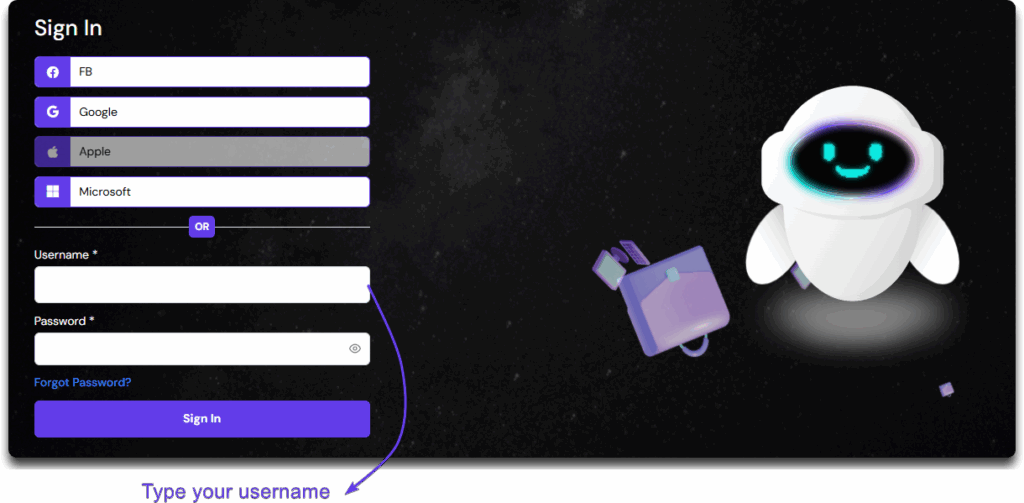
Type the email user to create a user on the Username field. This field is mandatory.
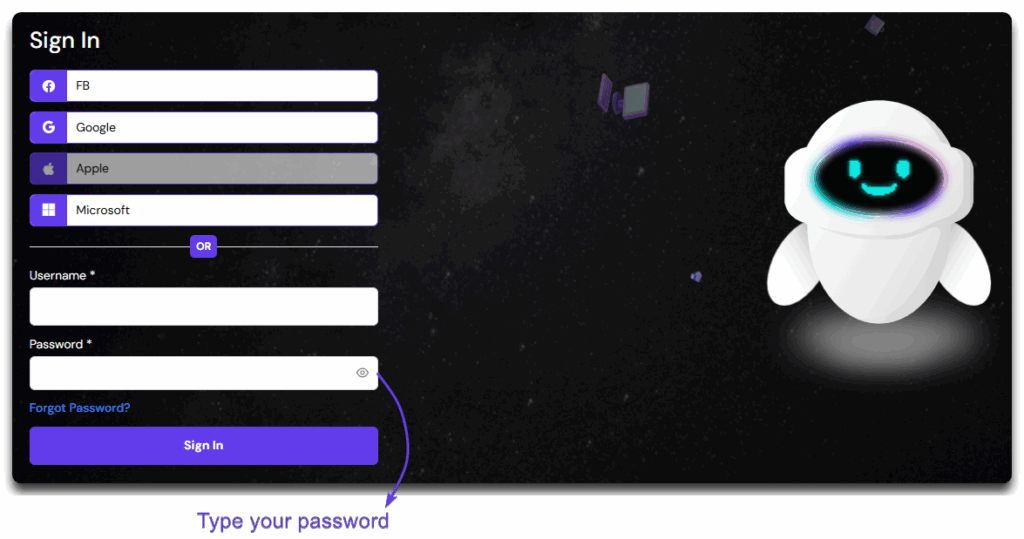
You will have to type to password on the Password field. This field is also a mandatory field.
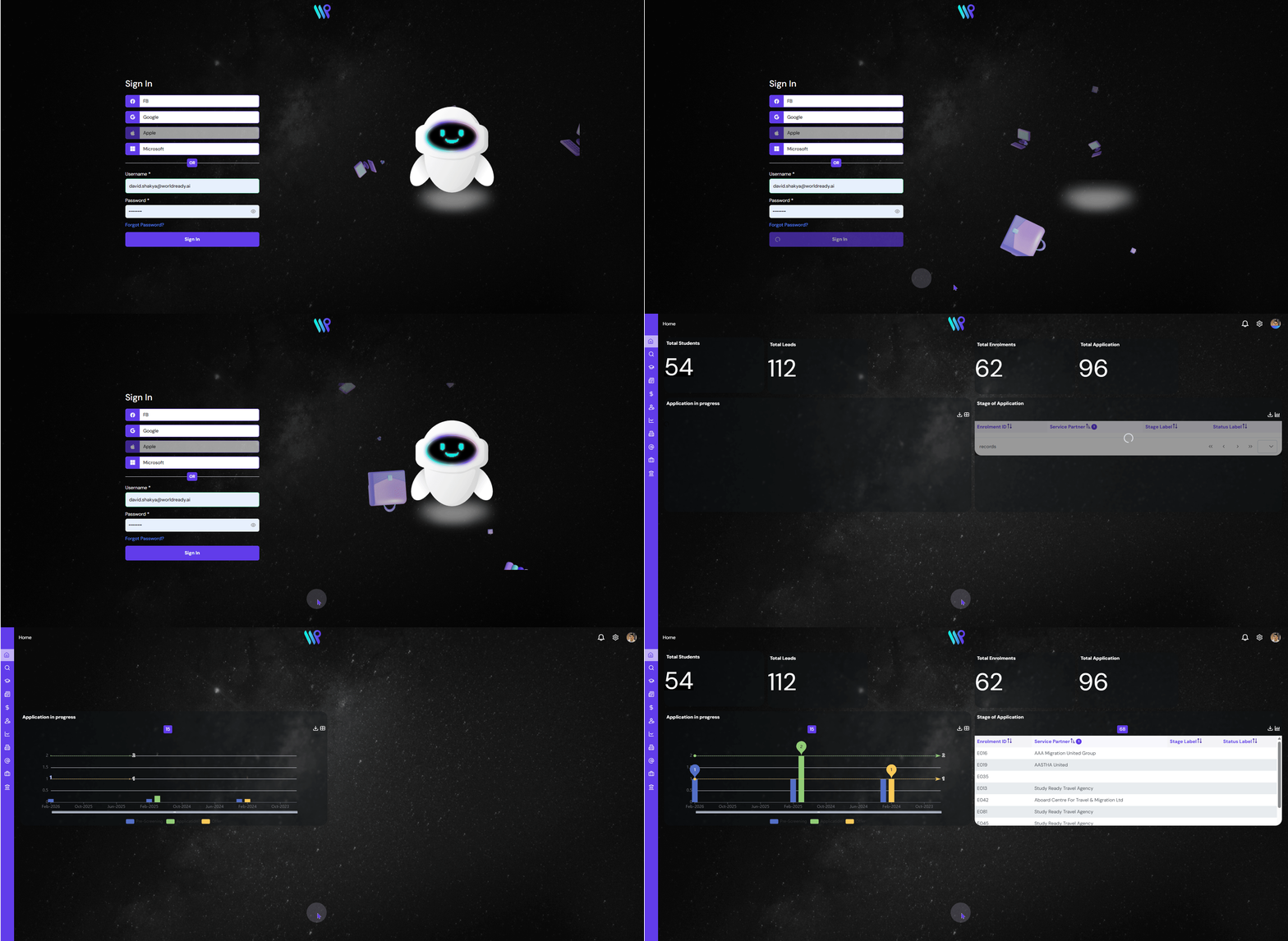
Click on the “Sign In” button to enter. Once you are signed in successfully, you will land on the home page.
Sign Out
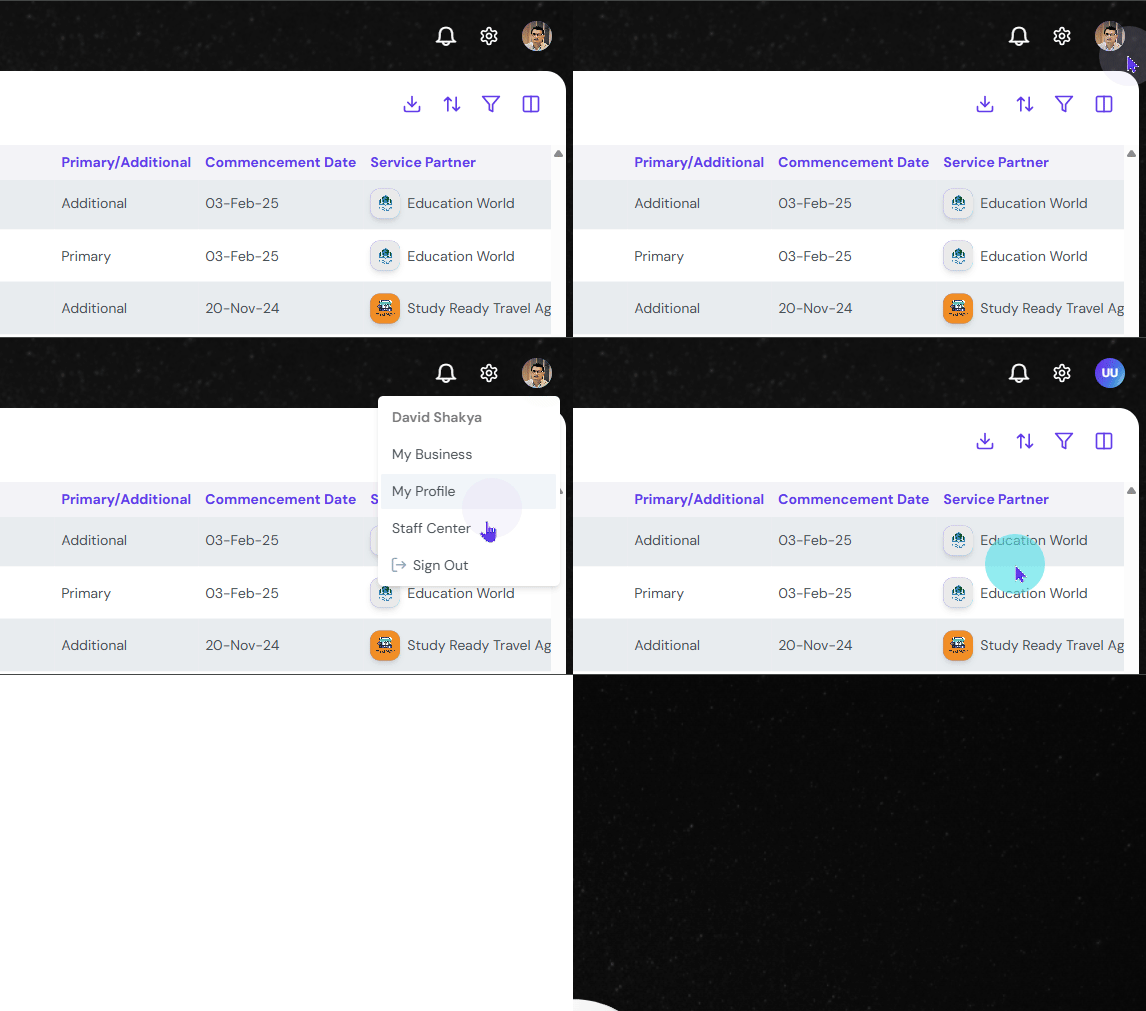
You must be signed in to sign out. To sign out, do the following from any page:
Click on your Profile Icon, at the top right corner. A dropdown menu appears.
Click on “Sign out” on the dropdown.
Successful sign out will direct you to the sign in page.
Forgot Password
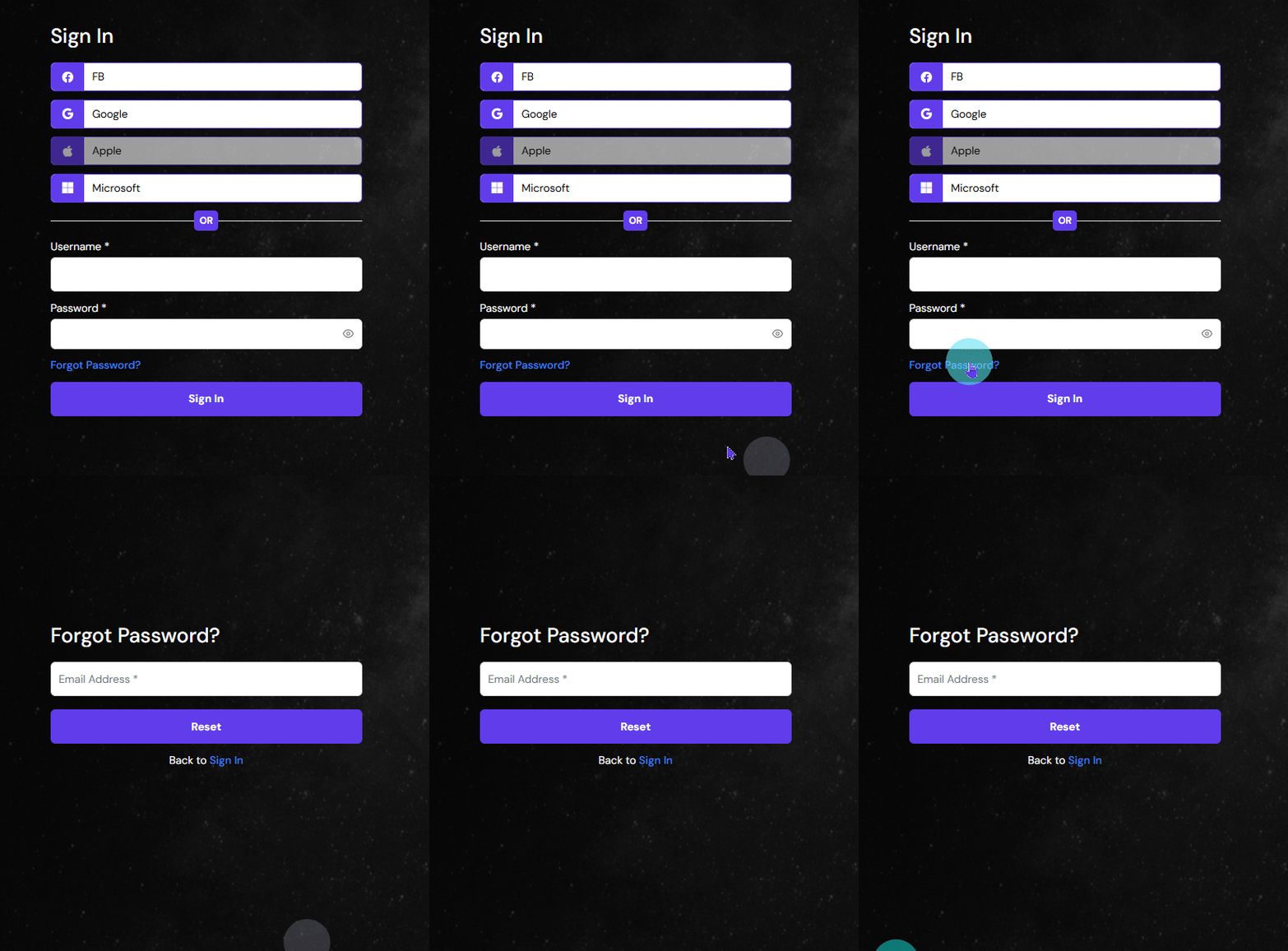
If you are having trouble signing in with your credentials, or forgot your password, you can recover or reset the password using the following method. You will have to be on the Sign In page.
Click on the ‘Forgot Password’ button situated in between the field to enter the password and the sign in button.
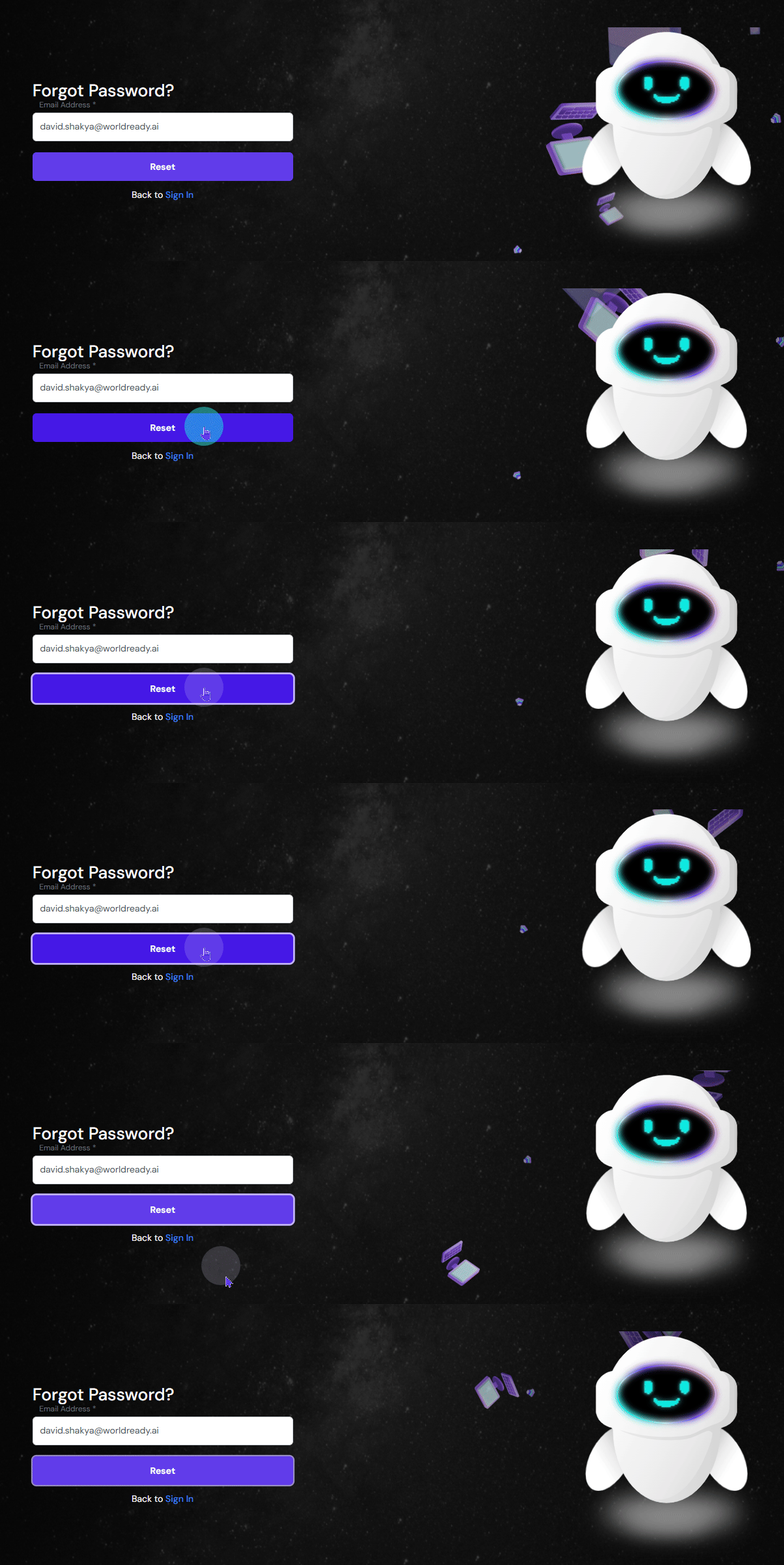
Enter the email address for your account. Click on the ‘Forgot Password’ button situated in between the field to enter the password and the sign in button.
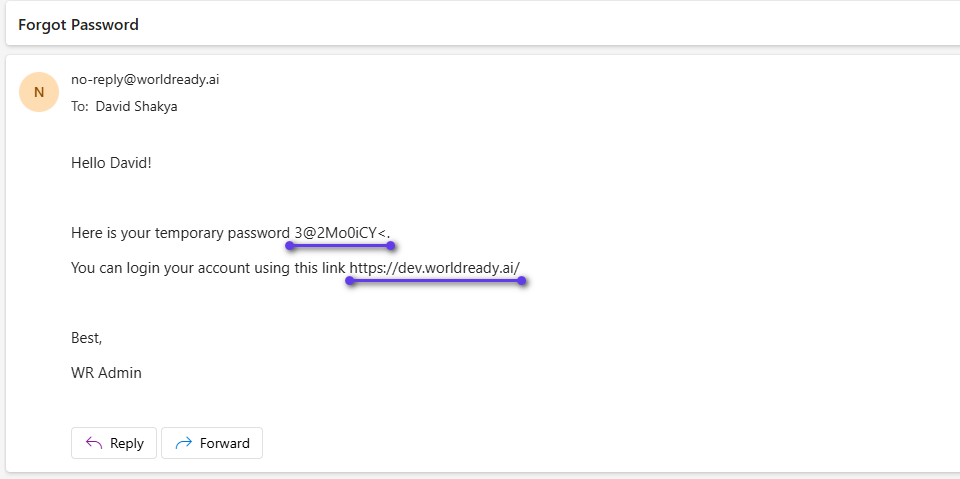
You will receive a temporary password which will be sent in your email. The email will also have the URL telling you the web address.
Go back to the Sign in Page. Enter your username and the provided temporary password.
Upon successful login with the temporary password, you will now be able to set the new password. On the Change Password pop-up window, enter the password. There are two fields to repeat the password to avoid typos. Once this is successful you will be logged in directly.